Most AI assistants are great at the talking part. Ask one to draft an email, explain a concept, or brainstorm, and it shines. Hand it a real job and ask it to go do the work, and that is where the shine wears off.
Mine used to stall in exactly the ways that matter. The web lookup came back empty. The model went quiet mid-answer. The file edit slipped past the checks. The setup wizard closed before you finished typing. Each failure was small on its own. Together they added up to the same feeling every business owner knows: the tool that promises the world and quietly stops short of the work.
I spent six releases fixing the doing, not the talking. This is the consolidated build log of that stretch. Six upgrades, each one a real change to how the assistant behaves, none more important than the others. If you have been following along, you have seen these as separate posts. Here is the whole arc in one place, because the point is not any single fix. The point is what the assistant became.
The model menu used to go stale the day it shipped
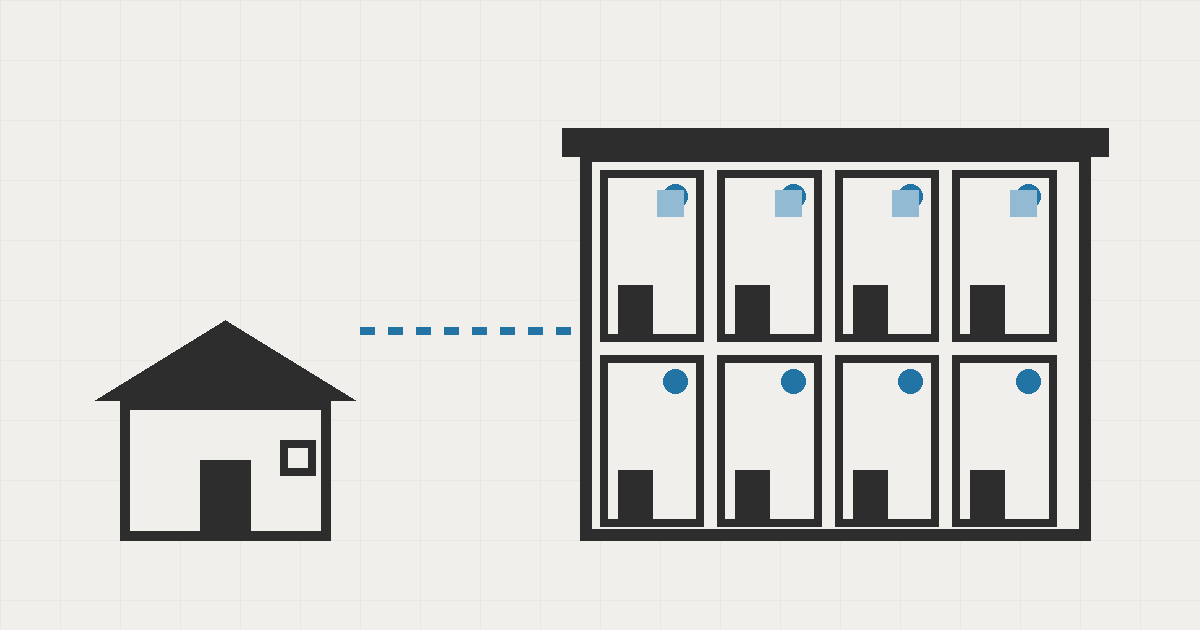
The first of the six was the most invisible. Seepient's list of models, the engines it can pick from for your jobs, used to be baked into the software itself. A new model shipped on a Tuesday and you could not touch it until I shipped an update weeks later. An old model you stopped trusting kept billing you from the menu.
Now that menu refreshes itself twice a day. A scheduled check pulls the current state of the model world, runs every change through the full test suite, and folds safe updates in on its own. Risky updates do not merge themselves. They land in a quarantine list flagged for my review, so a background job can never break a workflow nobody was watching.
A model announced this morning can be used this afternoon, no waiting for the next refresh. If you mistype a name, the assistant suggests the nearest real model before you commit, so a typo never becomes a mysterious failure weeks later. And when a provider keeps dated copies of a model, the clean current name wins automatically, so last year's copy does not quietly keep serving you.
The part that took the real work was restraint. The obvious version of this feature just grabs the latest list and runs with it. But if that list ever changed shape, every workflow would have broken at once. So the pipeline classifies every update before it acts: small and safe, or potentially breaking. Only the first kind ever merges itself. The release shipped with 1,377 tests passing across 160 suites, and requests still finish in under five milliseconds, so the automation added no perceptible cost.
The menu is no longer a file I maintain. It is a system that maintains itself, and I only get called in when something looks wrong.
The checklists it wrote had the wrong numbers
The second fix was quieter and, in its way, more damaging. Your assistant writes a numbered procedure for resetting the network gear. Eight steps, numbered one through eight. You scroll to the last one. It reads "1." again. Somewhere between step 5 and step 6 the numbering restarted, and the person following it will skip three steps or repeat three. Nobody files a ticket. They just quietly stop trusting the assistant.
The old code picked each number while drawing the row on screen, after the document had already been chopped into display pieces and its structure thrown away. So the drawing step guessed. A blank line between steps looked like a gap, so it restarted. A note tucked under a step looked like a gap, so it restarted.
The fix was to stop guessing. The numbers are now decided while the text is being read, when the structure is still in front of the reader. Blank lines no longer restart the count. A long step that wraps onto a second line stays one step. A nested note no longer resets the outer sequence. A procedure numbered 5 through 10 shows as 5 through 10. Twelve tests lock each of those cases in, and the same text now renders identically in the live view, the saved history, and the reopened conversation.
Wrong numbers do not throw errors. They mislead. That is what made this one worth fixing.
The first run could die at hello
The third fix landed on the worst possible moment: the first time someone runs the product. Everything else gets a second chance. The first run does not.
On newer versions of the engine underneath, the setup wizard could stop mid-question. The terminal closed with a cryptic exit code and a warning that read like legal fine print. For a new user that does not look like a rare bug. It looks like the product is broken. And nobody uninstalls a product twice. They just move on.
The cause was a quiet one. An earlier startup step had paused the keyboard channel before the wizard took over, and the screen layer never woke it back up. So when the wizard asked its first question, the program looked around, saw no open channel, decided nothing was left to do, and shut itself down while you were typing an answer. No error dialog, no "try this" hint, just an exit code nobody should have to decode.
Two changes fixed it. The program now wakes the keyboard channel before the wizard starts, so it stays alive for the whole conversation. And the old hand-rolled exit logic, which had missed one of the ways out, now uses the screen framework's built-in close signal, so every path settles cleanly whether you finish, cancel, or interrupt. Two test suites pin it down, one proving the channel stays awake, the other proving the wizard closes cleanly no matter how you leave it.
A program that thinks it is finished while you are still typing is a program that lost the sale.
How much should it do on its own
The fourth was a redesign of trust itself, and it is the one I would lead with if I were selling the product. Every business owner who watches an assistant do real work asks the same question: how much should I let it do on its own?
Say "ask me before anything" and you become the approval clerk. The pop-ups pile up, people stop reading them, and the safety net turns into a ritual. Say "go do whatever" and you are one unlucky instruction from an email to the wrong client.
Most tools force you to pick one extreme. I built a dial with three positions instead of a switch with two.
| Setting | Runs on its own | Still asks you | Best for |
|---|---|---|---|
| Ask me everything | Reading, planning, thinking | Any change to files, any message sent, anything leaving the machine | First days, unfamiliar territory, sensitive accounts |
| Edits welcome (default) | Reading, planning, edits inside your workspace | Commands with real reach, outbound email and notifications | Daily work |
| Full autonomy | Everything the outer guardrails allow | Nothing, once you confirm the switch | Well-scoped, repeatable, trusted jobs |
The default is the middle one, and that choice is deliberate. The assistant can edit files and get on with the task the moment you start, because editing your own workspace is the work. It only stops for the things that can genuinely hurt: commands that reach beyond the machine, and anything that sends data or messages out of it. You get a useful assistant on day one and you still see every risky moment.
Behind that dial I also fixed a bug that had looked like a security failure for two releases: the built-in tools, web search, image generation, email, were locked by default even when you had set them up properly. Every attempt came back as a denial. It was never the security system working. It was the permission rules being incomplete. Those tools now get their core capabilities out of the box, and when a tool needs a key you have not provided, you get a message that says exactly what to set up instead of a confusing "not allowed."
The scariest corner was credentials. Sending email or hitting a webhook means handling secrets. My first version passed the credentials along with the request, which is fine until the receiving server bounces the request to a different host. Then your API key would follow the redirect and land on a server you never chose. Now credentials are injected only at the moment of sending, and if a request is redirected to another host, the key is stripped and any secret-bearing content is refused before it follows. The assistant keeps working, and your keys never leave the machine they belong to.
Trust is not a switch. It is a dial.
The doing broke in five quiet ways
The fifth and sixth releases were about the work itself. After you pick a model and hand over a job, the assistant goes out, does the work, and comes back. Or it should. Mine used to freeze instead.
The failures were all quiet. They ate a morning, they did not sound an alarm.
- The phone line was dead. A routine update to the engine underneath changed how network addresses come back. Instead of one address, the system returned a list, and my assistant was still expecting the old shape. Outbound connections failed with an invalid address error. The assistant could think, but it could not reach out.
- The model got receipts, not results. When a tool ran, the model sometimes received an internal ID instead of the actual output. Imagine an employee who searches the web and reports to themselves: "found something, ID 42." They have no idea what the search found.
- Searches could skip the checks. Web search could fire directly, outside the approval and audit pipeline every other action went through. It was the one action with its own side door.
- A blank answer stopped the whole job. Some models, especially the ones that think before they answer, occasionally return nothing at all, or write their tool request as plain text instead of a structured form. The loop treated that as the end of the road. The task froze, and nobody told you why.
- File edits were outside the pipeline. Editing files is one of the riskiest things an assistant can do, and it was not going through the same check-and-record flow as everything else.
Two changes fixed the network and the results. The address handling now understands the new format, so outbound connections work on current systems. And every tool's output is now formatted and handed back as readable text: search results come back as clean notes, web pages are stripped of scripts and ads and capped at about 150,000 characters, and the assistant is told whether the page actually loaded.
Two more changes closed the gaps. Every web search now flows through the same approval and audit checks as everything else, so the side door is gone. And file edits are now inspected before they touch the disk, classified by risk, and written to the audit log, with end-to-end tests proving an edit either lands correctly or does not happen at all.
The change I am proudest of is the smallest. If a model returns nothing at all, the assistant waits a moment and tries again, up to twice. And if a model writes its tool request inside its answer as text, the assistant parses it out and runs it anyway. A job that used to freeze now shrugs and continues.
Where it nearly broke
The strangest bug was the network one. Nothing in my code changed. A routine update to the platform underneath, and outbound connections began dying. The system had quietly started returning addresses in a different shape, and my assistant was still looking for the old one.
That is the failure mode I have learned to fear: not a dramatic crash, but a quiet change in something I do not control. It is also why the recovery reflex matters. Software will keep surprising you. The assistant should be built to pause and try again.
The other near-miss was the dial. For two releases I kept the old permission switches alive alongside the new model, two systems doing the same job. Maintaining both is exactly how the tool-lockout bug slipped in. In this release I deleted the old path entirely and moved every saved setting over in one direction, so there is one permission model whether you work in the terminal, the desktop app, or the web interface. If I am honest, I should have done that cleanup on the day I added the new model, not two releases later.
Every action leaves a record
One rule runs through all six releases. The assistant should never have a credit card it can use without a receipt. Before this stretch, web search was the one action that could fire outside the checks. Now every search and every file edit is inspected, classified, and recorded, just like every other action. If a job goes sideways, you can see exactly what was done, in what order, and whether it was approved.
The assistant plans the work. The checks decide what actually happens.
What changed for you
Six upgrades, one assistant that finally does the work.
| The problem | Before | After |
|---|---|---|
| The model menu | Stale the day it shipped, manual upkeep | Refreshes itself twice a day, risky updates quarantined |
| A new model ships | You wait weeks for an update | You can use it the same day |
| Numbered checklists | Blank lines and notes reset the count | Numbers come out right everywhere |
| First run on a new machine | Wizard could die mid-question | Setup holds up, clean close every time |
| Acting without asking | Two extremes, one tool locked out | A three-position trust dial, tools work when set up |
| Secrets in outbound calls | Keys could follow a redirect | Injected at send time, stripped on redirect |
| Web lookups on current systems | Could fail silently | Work reliably |
| What the model sees from its tools | Receipts and internal IDs | Readable results |
| Web searches | Could bypass approval | Checked and recorded |
| A blank model answer | The job freezes | Retries twice, then continues |
| Model writes a tool request as text | The job freezes | Parsed out and executed |
| File edits | Outside the checks | Inspected, risk-classified, audited |
What this means for a growing business
You do not want to babysit your automation. You want to hand the assistant a job, walk away, and check the result when it is done. And you want to know that every step it took was checked and recorded, so a bad day can be traced instead of guessed at.
That is where Seepient is now. The menu keeps itself current. The checklists are right. The first run holds up. You choose how much to trust it. The tools work, the loop recovers, and the checks hold. If you are tired of AI tools that talk a good game and stall on the work, book a call and I will show you how this one behaves.