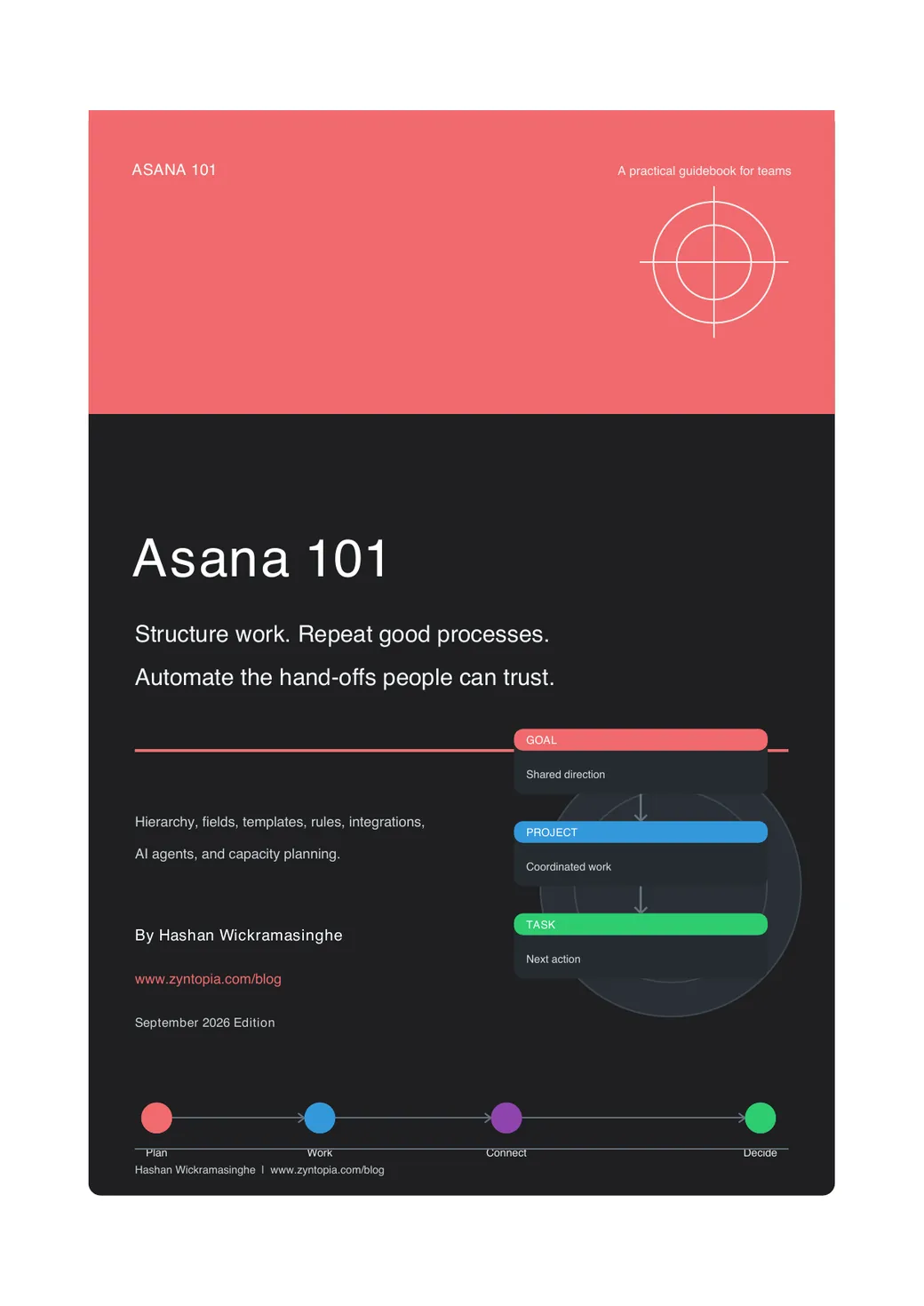
Asana 101: a practical guidebook for teams
Most teams get Asana running in a week and messy within a month. This guide shows how to build a workspace that still makes sense when the work gets busy. Seven chapters, one worked example, and a rule for leaving out whatever doesn't earn its place.
Every piece of information in Asana should help someone decide, act, or report. If it does none of those, it doesn't belong.
Inside the guidebook
What's inside
- 01
Fundamentals and workflow mechanics
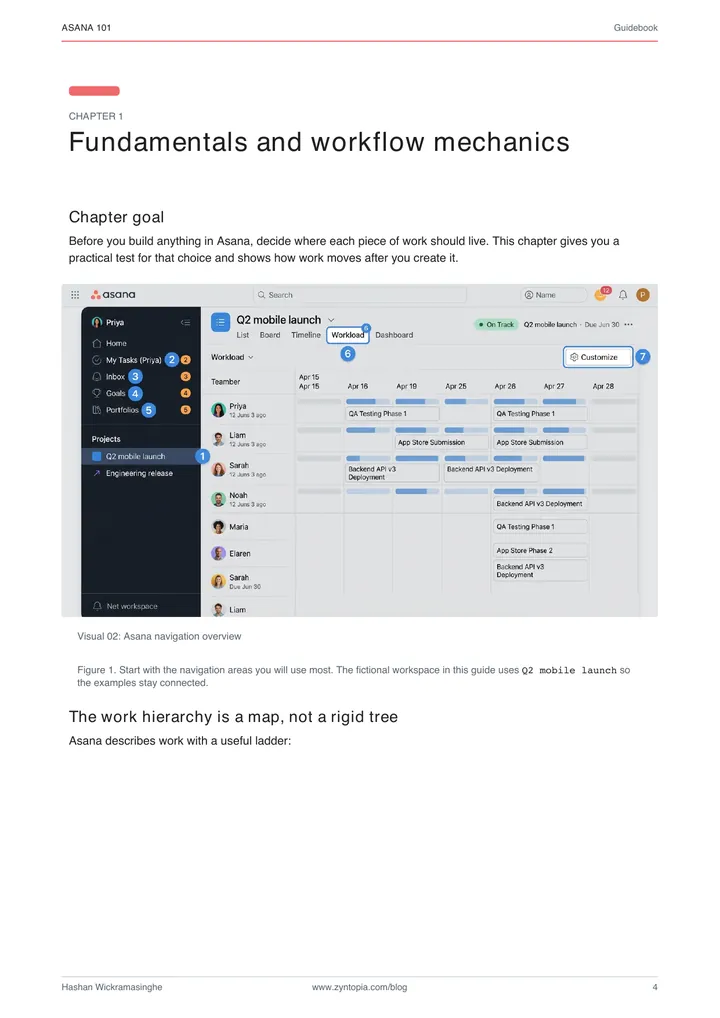
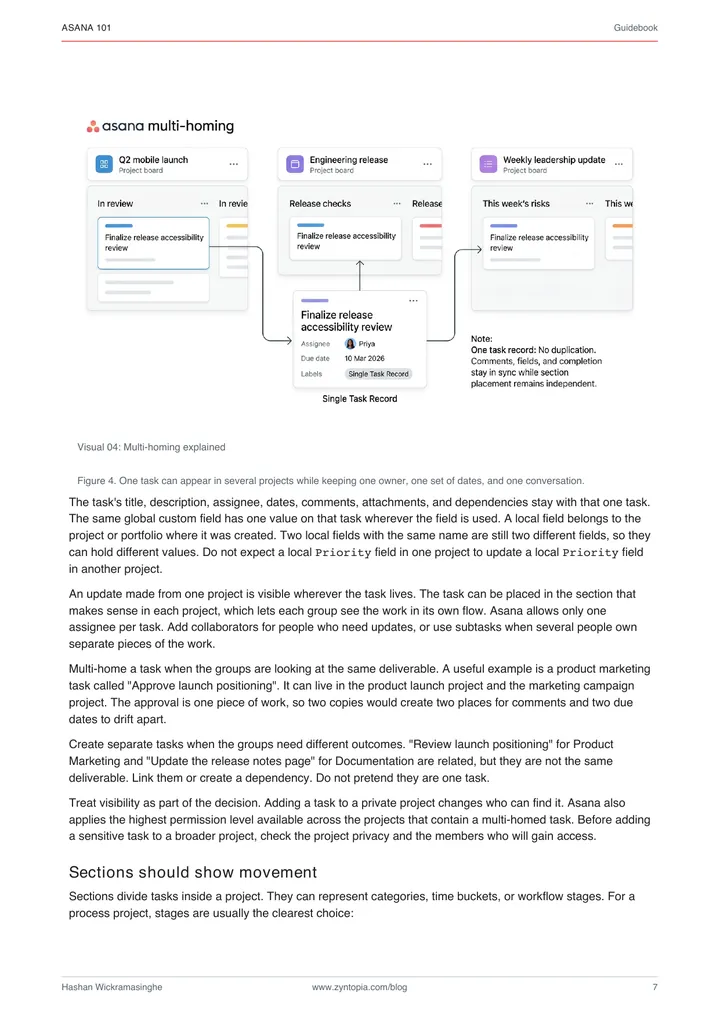
Where each piece of work belongs, and how it moves
- 02
Custom fields as system schema
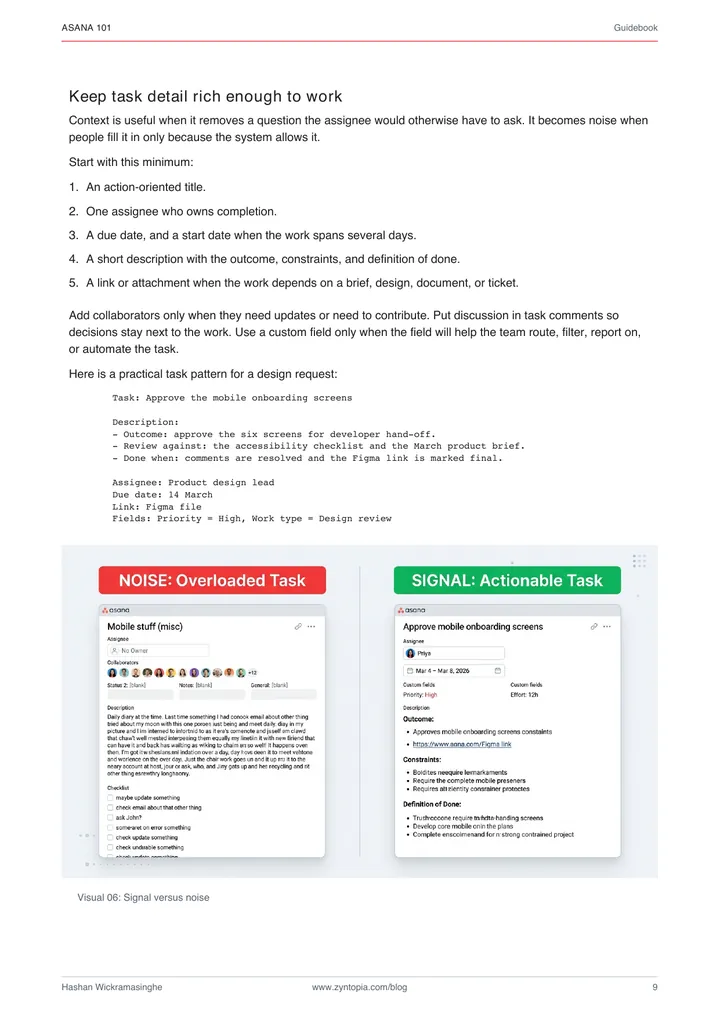
Which facts deserve a field, and which just add clicking
- 03
Templates and bundles
Repeat a good process without rebuilding it every quarter
- 04
Automation and rule logic
Write the rule before you build it, then automate with guardrails
- 05
Ecosystem integrations
Work in from forms, Slack, and your CRM; status out to dashboards
- 06
AI agents and Asana MCP
An agent that reads Asana and acts, inside permissions and review points
- 07
Resource and capacity planning
One workload view that shows who's full and who has room
Look inside
Real pages from the guidebook. Click a spread to open it in Google Drive.
Free download
Grab the guidebook
Made for founders, ops leads, and team leads who run work in Asana. If you're changing a big existing workspace, read the first two chapters before you touch anything.
- A practice exercise in every chapter
- Asana plan requirements flagged
- One worked example throughout
PDF · 13 MB · September 2026
Operations & Automation
Need hands-on help structuring your team's workflows?
I build production AI agents, n8n pipelines, and workspace architectures for operations-heavy teams. Whether you are untangling a messy setup or integrating AI into your team stack, let's talk about what you need.