Somewhere in your company there is a spreadsheet nobody wants to update. It holds the keys for every AI tool you have bought, and each tool came with a different login, a different billing setup, and a different idea of what counts as help. When you want to try a new model, someone has to generate a key, paste it into a settings file, and hope the numbers line up. When the same assistant behaves differently in the terminal than it does in the chat window, you just live with it.
That is the mess I set out to eliminate in the latest release of Seepient, my AI assistant for growing businesses. If you have been following this build log, the last update made the assistant keep working when a model provider fails. This one gives you the control room to run that engine properly: every model and provider in one place, sign-in with the subscriptions you already pay for, and the same behavior no matter which doorway you use.
The short version. Seepient now gives you a searchable directory of the models the major providers offer, live prices included. You assign models to jobs, not the other way around. You can sign in with your existing Claude, ChatGPT, or Copilot subscription instead of pasting keys. The command line, the chat app, the built-in server, and the programming interface all run on one shared core, so what works in one works in all of them.
A directory of every model, prices included
When you manage models in Seepient now, you get a search box over the full directory: roughly 1,267 models from a live, community-maintained list that covers OpenAI, Anthropic, Google, xAI, DeepSeek, Mistral, and locally hosted open-source models. Type a provider name, a model name, or a task, and the list narrows as you type.
Each row shows what you need before you commit: input and output pricing per million tokens, and the context window. The old version cycled through a blind list with no search and no prices. You could assign a flagship model to a trivial job and never see the cost until the bill arrived. Now the price tag sits next to the model.
- Dimmed until connected. Models from providers you have not connected yet are greyed out, with a one-key action to connect that provider. You can also filter to show only what you can use right now.
- Try before you commit. You can switch a model just for the current conversation to test it, without touching your saved job assignments. Experiments no longer overwrite a tuned setup.
- Effort level per model. Some models can think longer before answering. You pick the effort level for the job, from quick to maximum, without touching configuration.
A staffing board for your AI jobs
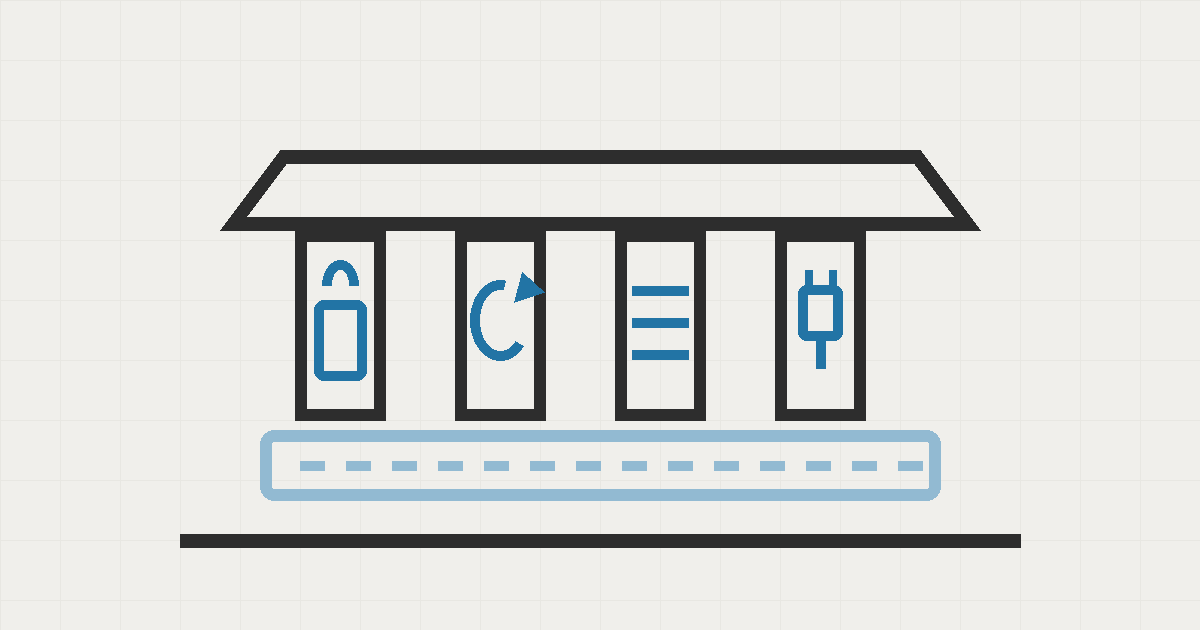
Every task Seepient runs falls into a purpose: writing, planning, coding, vision, or commit messages, each at an effort tier of standard, complex, or efficient. Think of it as a staffing board. Each job has a slot, and each slot has a model assigned to it.
The new jobs board shows it all at a glance:
- Fallback chains are visible. If the model you assigned is unreachable, you see exactly which backup runs instead, and in what order, so there is no mystery about what actually executed.
- Mismatches get flagged. Assign a text-only model to an image task and Seepient tells you immediately, instead of failing partway through a job.
- Accounts managed in place. Add a provider by pasting a key, referencing a stored secret, pointing at a local endpoint, or signing in with the provider directly. Delete an account and Seepient warns you which jobs will lose their model. Test connectivity with a live probe, all without leaving the screen.
- Cost per turn. A status tab shows which model ran, at what effort level, and what the tokens cost.
Sign in with the subscriptions you already pay for
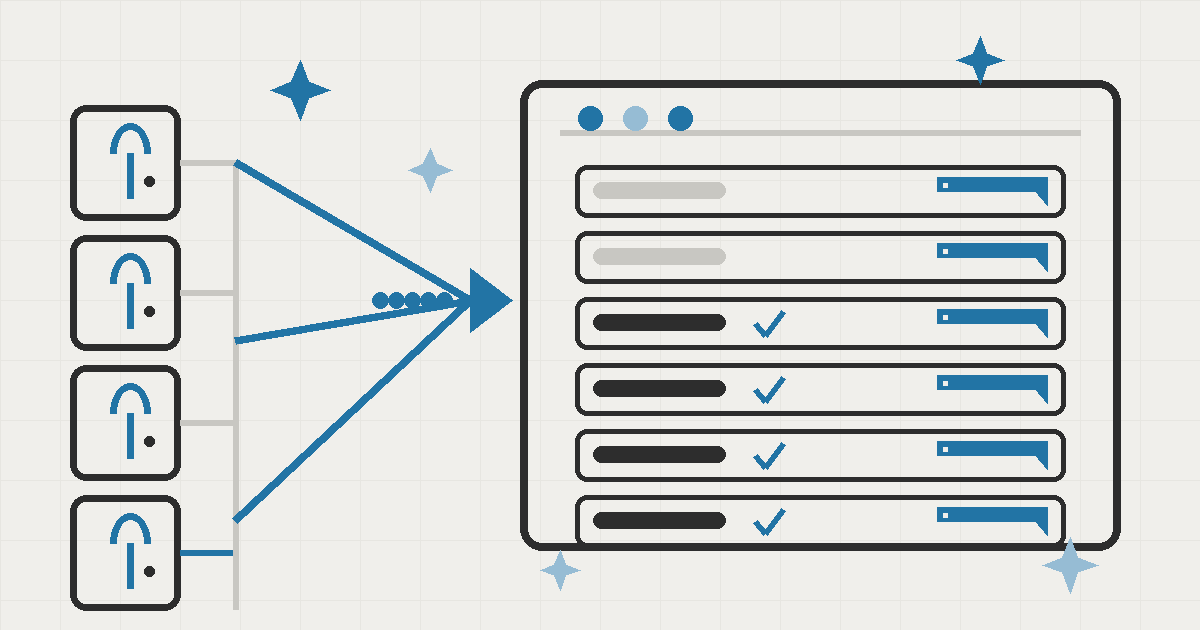
The change I expect business owners to notice first is that you no longer need developer keys for the big providers. Seepient supports official sign-in for Claude Pro and Max, ChatGPT Codex, GitHub Copilot, OpenRouter, Kimi, and xAI. Same idea as "continue with Google": you log in to the provider you already have an account with, and the assistant uses that subscription.
Two flows cover every situation. On a machine with a browser, a window opens and you approve. On a headless server, the assistant shows a code and a web address, and you complete the sign-in from any device. Tokens refresh in the background, so you do not log in again every few weeks.
This matters for cost in a way that surprised me. Most businesses already pay for Claude Pro, ChatGPT, or Copilot. With key-based setup, the same company pays again per token through a developer account. Sign-in lets the subscription you already fund do the work.
One behavior everywhere, or I do not ship it
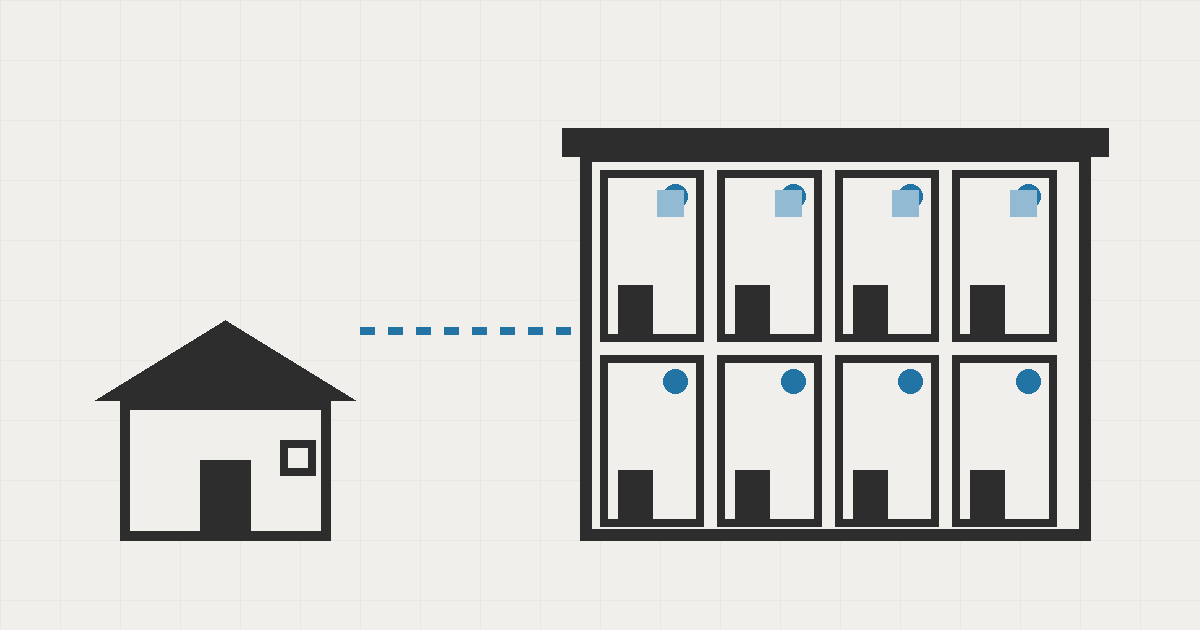
Seepient has four doorways: the command line, the chat app, the built-in server, and the programming interface. Before this release, each surface had its own commands and its own behavior for the same operation. Add a provider in the chat app and the command line might not see it. That kind of drift is exactly what makes business AI tools feel unreliable.
The fix was to stop treating the surfaces as separate products. All four now run on one shared management core, with identical validation, safety checks, and error messages. I back that with parity tests: every operation runs against every surface in the test suite, and any difference fails the build.
If an operation behaves differently in one doorway, the build fails.
Where it nearly broke
Three times in this release cycle, a small decision nearly became a customer-facing problem.
The login tokens almost ended up in the logs. When I wired up sign-in, the obvious implementation writes the returned credential into the same places every other credential lives. But a subscription credential is more sensitive than a key: anyone who reads it can use it. The fix was strict. Tokens live only in the system keychain, and I added tests that scan settings files, interface state, logs, and error traces to prove no credential material ever lands there. That is why I can say sign-in is safe instead of hoping it is.
The setup wizard used to eat settings. In earlier versions, the first-run setup screen had a hardcoded list of four providers and could wipe your saved settings when you exited. If you set up once and then changed your mind, you started over. The new wizard draws its provider list live from the model directory, saves each setting as it goes, and skips steps you have already satisfied. Re-running setup no longer loses anything.
The surfaces drifted. The parity problem above took four review rounds to kill. There was a wizard that would not launch, error messages that disagreed between surfaces, and a round of blockers where the command line and the server returned different results for the same request. Each round shrank the list, and the parity tests kept the fixes from coming back.
What I would do differently
The live model directory came late. For the first part of this cycle, the provider list was hardcoded, which meant every new provider was manual work and the model list went stale the moment it shipped. I would pull the live directory in from day one. The same lesson applies to the tests: the parity suite caught real regressions, and I wish it had existed before the first surface shipped, not after.
What this means for your business
| Before | After |
|---|---|
| Keys pasted into settings files, tracked in a spreadsheet | One screen lists every account, model, price, and connection |
| Trying a new model meant engineering time | Search the directory, assign, try it in the current conversation |
| Subscriptions you already pay for sit unused, with API billing on top | Sign in with Claude, ChatGPT, or Copilot and use what you fund |
| The same assistant behaves differently per doorway | One tested behavior across every surface |
| Setup wipes your settings | Setup saves as it goes and skips what is done |
If your team is running AI on a patchwork of keys and dashboards, that is exactly the problem I build for. Book a call and let's look at what your setup is costing you.