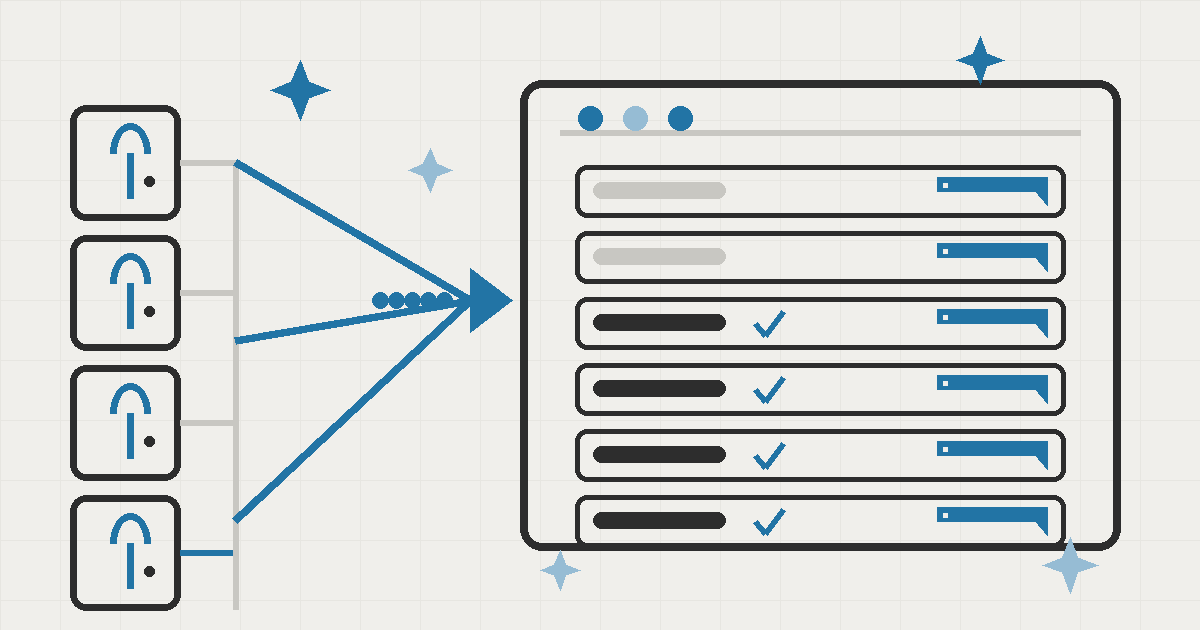
Every AI assistant that can act on your computer has the same problem: how do you say yes to what you actually want done, without being asked a hundred times, and without the assistant doing something you never agreed to?
Most tools answer with a pop-up per action. Allow? Deny? Then the next action brings another pop-up. Over time, people stop reading them and just click to keep the work moving. That's not safety. It's a ritual. If the machine crashes mid-task, every permission you carefully granted disappears with it, so the assistant forgets everything and you start over.
For Seepient v0.4.3, I rebuilt the whole permission experience around two ideas: one screen, one complete decision, and approvals that survive a crash. Here's the story of how those two ideas became a release, and the eight rounds of hardening it took to make the crash-safety genuinely trustworthy.
Why "allow once per action" was the wrong model
The old approach asked for approval at every step. It felt safe on the surface, but it had three real problems:
- Prompt fatigue. When an assistant needs five permissions in a row, the fifth prompt gets clicked without being read. The approval becomes a formality, which is worse than no approval at all.
- No sense of scope. Each prompt said "allow this one thing?" but never told you what else that permission could reach, or how long it would last. You were approving in the dark.
- Nothing survived a restart. Approvals lived in memory only. If the machine crashed, quit, or rebooted, every approved action was forgotten and the assistant had to ask again from zero.
The fix wasn't a better pop-up. It was a different idea of what an approval is.
One screen, one complete decision
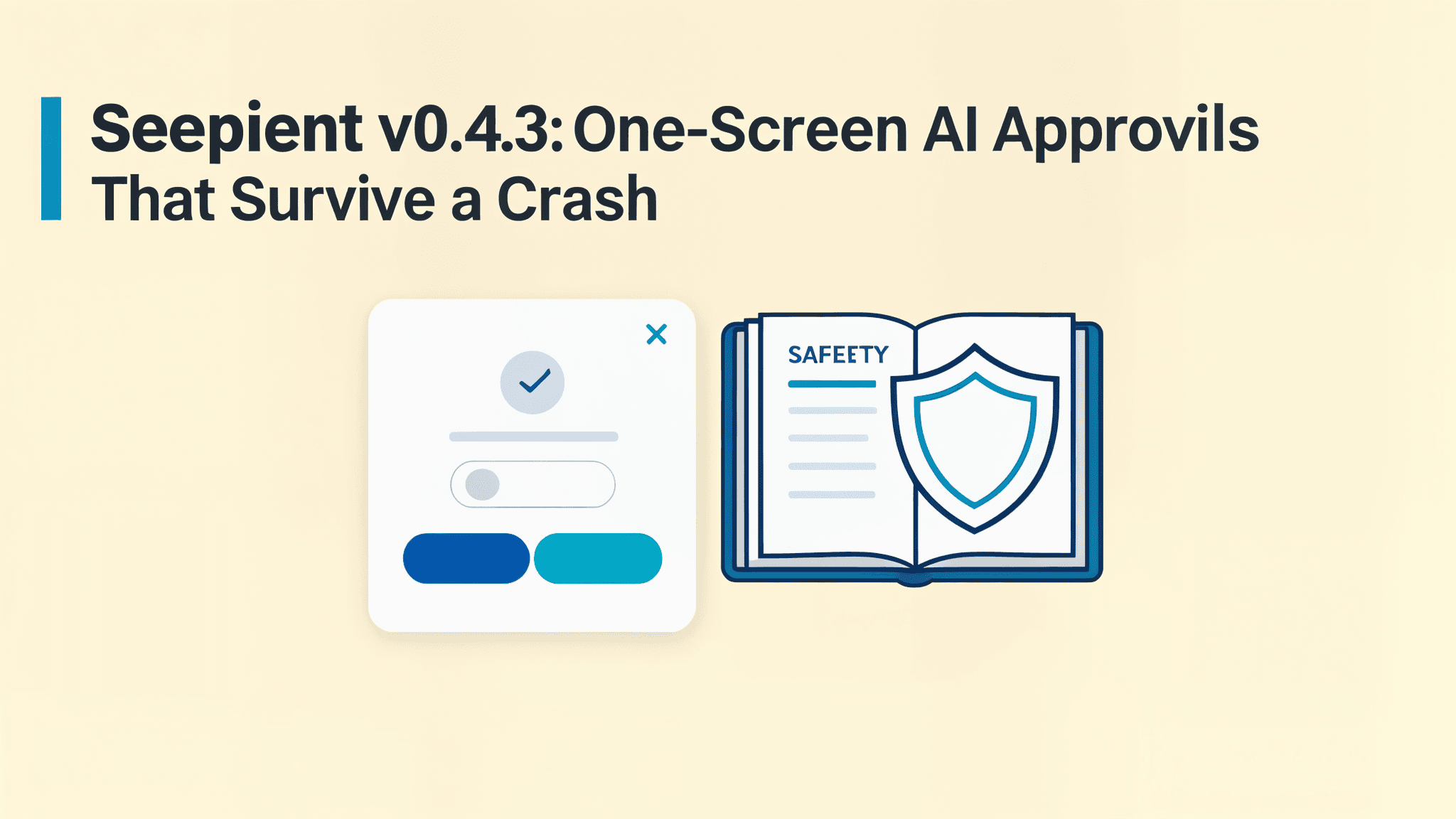
The new approval screen shows every choice for the action in front of you at once:
- Allow this action once, for the single, specific request.
- Allow while Seepient is open, for actions you'll repeat all session, without re-asking every time.
- A limited session option, a safely bounded grant for the current work session, offered only when one can be enforced. An unlimited "allow anything" option is never offered.
Each choice explains, in plain language, the full reach of what you're about to approve, including actions that mix several capabilities. You're not approving a file name; you're approving what that file can be used for. That explanation is the difference between a blind click and an informed decision.
Three details make the screen honest:
- Approvals expire, they don't linger. Local prompts default to a ten-minute window, configurable per deployment. If the task finishes, the session closes, the request changes, or the details shift, the approval settles immediately, so a stale "yes" can never be reused for something different later.
- A safety check runs first. Before any approval is even shown, Seepient verifies its protected environment is in place. If it isn't, you get a clear setup message and no prompt at all, no silent downgrade to "less safe" mode.
- Every "yes" is bound to the exact request it answered. Forged, stale, expired, or revoked requests are rejected outright. Inline approval can't create new permissions or touch the protected settings. A yes that can't be traced to the exact request it answered is treated as a no.
The approval screen's job isn't to make saying yes easy. It's to make an informed yes the only kind that counts.
Where it nearly broke: eight rounds of hardening
The one-screen design was the easy half. The hard half was making approvals survive a crash, and it took eight rounds of review to get there. This is the part that most resembles real work: not the feature, but the failure modes around the feature.
The first design looked simple: write the approval down, done. Review found three ways that silently lost data:
- The order-of-records problem. If the permission took effect but the crash happened before its record was written, the system had a permission with no trail. Recovery couldn't tell a real approval from a half-applied one.
- The guessing problem. Earlier recovery logic reconstructed missing approvals by matching version and capability. Guessing like that can restore the wrong thing after a crash.
- The erasure problem. Administrative approve/revoke actions could overwrite the history, so the record didn't reliably show how a permission got there.
The fix became a safety journal: every lasting permission first writes its intent to a durable log, then takes effect, then is confirmed. On restart, pending entries are re-checked and settled by their unique record ID, never by guessing. The journal is append-only: administrative actions can't erase what happened.
That's what "survives a crash" means in practice: the journal is the single source of truth, and every change flows through it. There is no path where a permission exists without a written record, and no path where recovery has to guess.
The other rounds hardened the edges. If the system can't start safely, it refuses to start rather than run in a weaker state. Only genuine approvals can change protected settings, and everything the sandbox touches uses hardened, verified locations.
A hands-free mode, with limits that can't be ignored
With the journal in place, I could finally add the mode people actually want: hands-free operation. The assistant runs without any dialogs at all. The critical detail is that hands-free does not mean unconstrained. It still enforces:
- the maximum authority the assistant can ever claim,
- the minimum authority it needs to do its job,
- the absolute off-limits list, things that are never allowed, no matter what.
The assistant stops asking only where the system already knows the answer. Everywhere else, the one-screen approval still applies. The journal records both paths, so the audit trail is complete whether a permission came from an interactive approval or a hands-free grant.
The rest of the hardening
- Exact reach, nothing broader. The assistant can run the specific command you approved. It can never get blanket permission for whole categories like "any script" or "any package install." It gets exactly the reach the action needs.
- Quieter operation. Sandboxed commands no longer spam harmless error noise into the terminal. A regression check now asserts the output stays clean.
- Cleaner failures. When something does go wrong, the error you see is short and readable, not a wall of terminal garbage.
What I'd do differently
The one thing I'd change: build the safety journal before the user experience, not after. The approval screen took days; the crash-safety took eight rounds because it was layered onto an existing system. If I'd built the durable record as the foundation from the start, the recovery and history problems would have been design-time questions instead of retrofit fixes.
The other lesson: review rounds are the product. Each of the eight rounds found a real failure mode that a happy-path demo would never have surfaced: record ordering, recovery guessing, history erasure, path handling. For a system that decides what an AI assistant is allowed to do, the happy path isn't the deliverable. The failure path is.
What this means for your business
v0.4.3 is live today (see the repo for details). For a growing team running an AI assistant as a persistent digital colleague, the practical difference is:
- approvals you actually read, because you see them once instead of a hundred times,
- sessions that don't forget what you allowed, even after a crash or reboot,
- an audit trail that can't be erased, so you always know what the assistant was allowed to do and why.
If you're considering an AI assistant for your team and want this kind of control built into how it works, not bolted on, let's talk about what that looks like for your business.