In Part 1 of this series, we looked at the foundational philosophy of DeepSeek Harness: treating an AI agent not as a sealed appliance, but as an interchangeable set of tools and capabilities snapped onto a shared foundation (Agent = Model + Harness).
Once you see that modularity, the bigger product opportunity becomes obvious:
Instead of buying or building a dozen different AI tools for different departments, you can use this blueprint to build a single, centralized AI Hub that powers every workflow across your entire company.
Most growing businesses fall into the AI App Sprawl trap. When Marketing needs help creating slide decks, they buy one tool. When Sales wants call summaries, they sign up for another. When Finance needs invoice processing, they build a third custom script.
Within a year, the company is paying for ten different AI subscriptions, managing ten logins, and scattering proprietary company knowledge across ten disconnected black boxes.
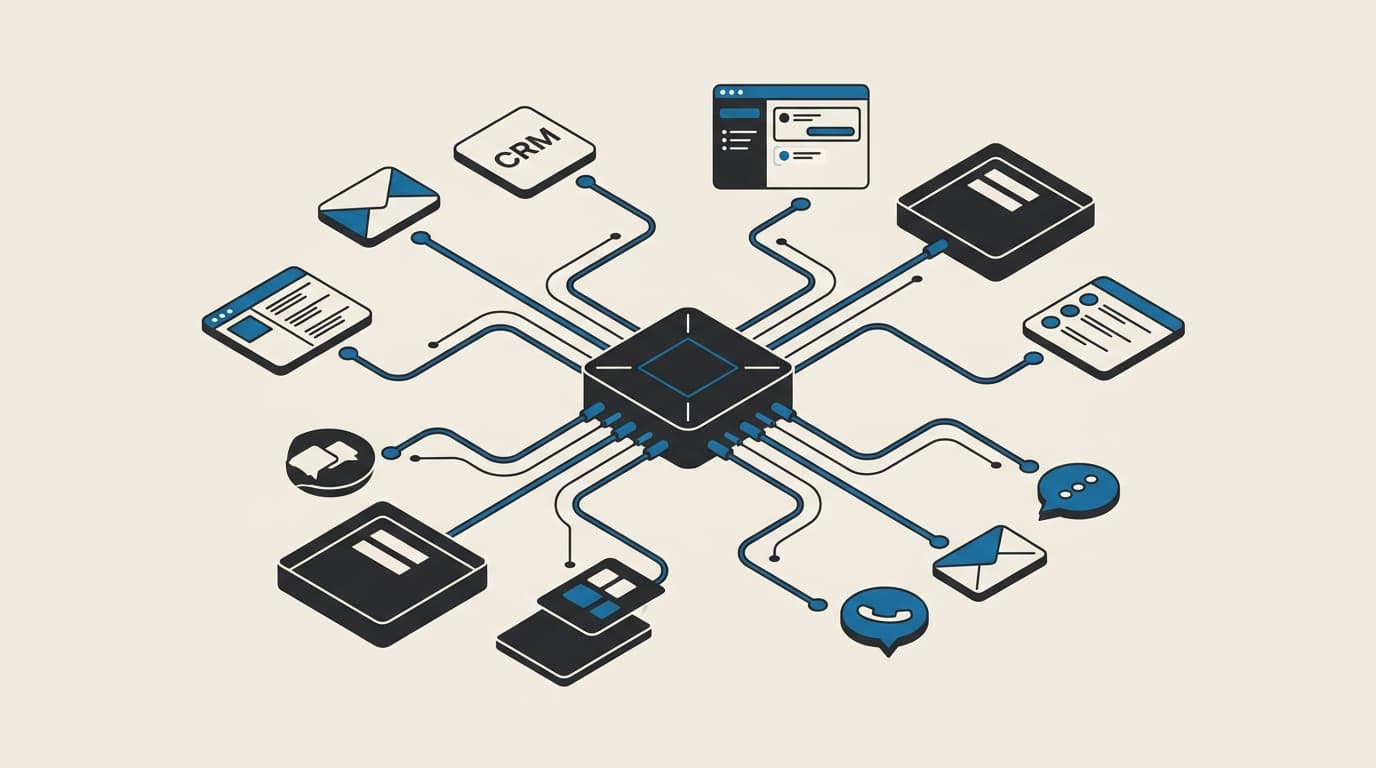
You do not need multiple disconnected applications. By adopting DeepSeek Harness as a "Meta-Harness", you can run a unified AI operating layer where every internal tool shares the same secure foundation, connects to your company's data, and can be assembled in hours.
Here is how that concept works from a product perspective.
1. The core concept: atomic capabilities into custom workflow apps
In traditional software development, if you want six different AI features, you have to build six separate applications from scratch.
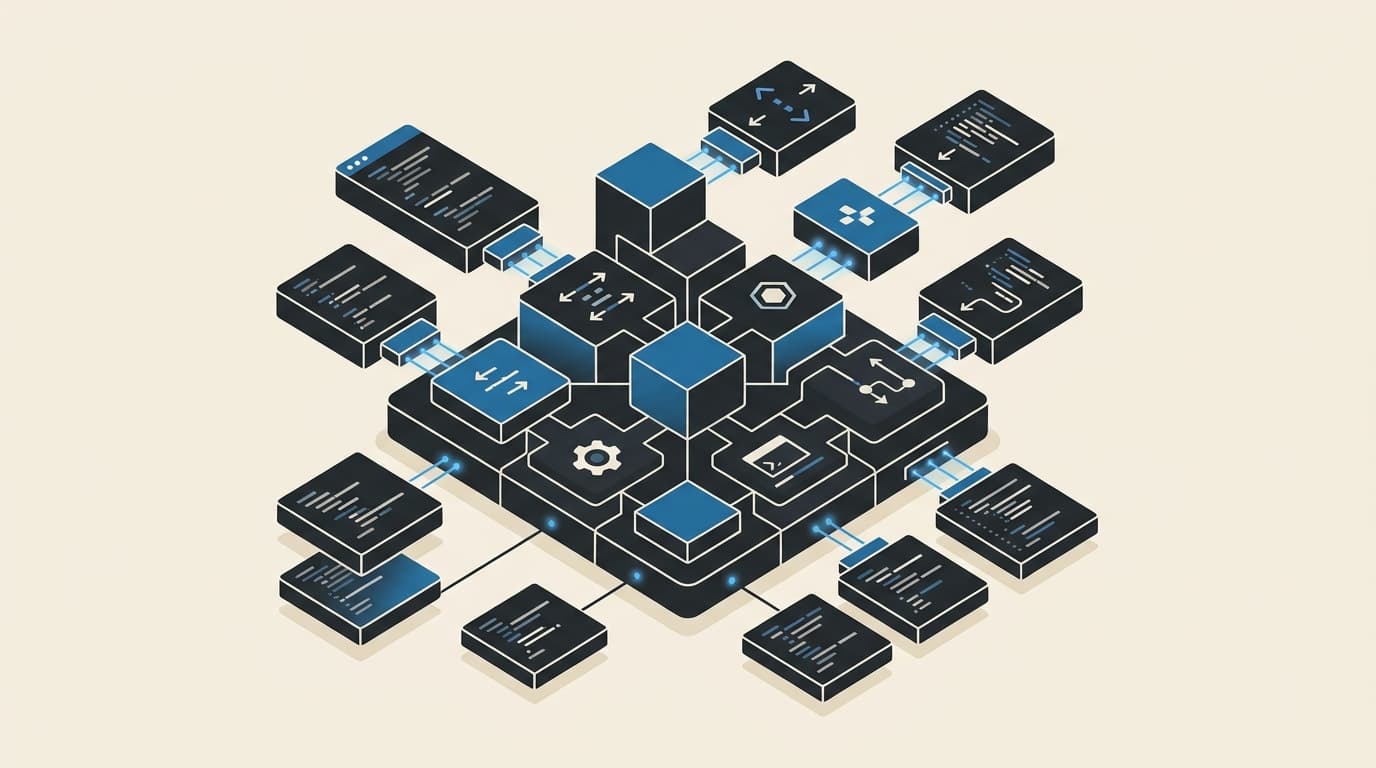
In a modular harness architecture, your team builds atomic business capabilities (plugins) just once. Once a capability exists, like connecting to your calendar, searching internal documentation, or reading customer records, you can combine those pieces into distinct, tailored workflow apps.
Think of each internal AI tool as a "recipe" rather than a new software project. You are simply choosing which ingredients to activate for that specific business task.
2. High-impact business apps you can assemble
Here is what this looks like across real-world business departments:
| Business Workflow App | What It Accomplishes for the Team | The Capabilities Combined Under the Hood |
|---|---|---|
| Smart Slide Deck Creator | Turns raw meeting notes or project outlines into branded, presentation-ready slides. | • Internal Document Search • Slide Template Exporter • Fast Visual Finder |
| Meeting Intelligence | Extracts key decisions from calls, updates customer CRM records, and drafts follow-up emails. | • Call Transcript Ingestion • CRM Connector • Email & Slack Dispatch |
| Weekly Planner & Sync | Scans completed tasks across project boards to build your upcoming schedule and priorities. | • Calendar (Google / Outlook) • Project Tracker (Jira / Linear) • Slack Highlight Summaries |
| Living Wiki & Docs Builder | Drafts standard operating procedures (SOPs) and team guides by parsing past discussions and documents. | • Knowledge Base Search • Document Writer • Project File Reader |
| Partner & Vendor Vetting | Audits vendor proposals, analyzes audience credibility for marketing partners, and flags risk factors. | • Web Fact-Checker • Public Data Scanner • Executive PDF Exporter |
| Invoice & Bill Processing | Reads vendor invoices, matches them against purchase orders, and flags payment discrepancies for review. | • Document / Receipt Parser • Accounting System Connector • Human Approval Gate |
Because all of these apps are powered by the same central engine, you never have to re-integrate your CRM or re-authenticate your document storage for each new idea.
3. The four product superpowers of a Meta-Harness
Using a modular harness as the central engine for your company delivers four distinct operational advantages:
A. New features launch in hours, not months
When a department asks for a new AI workflow, your team does not need to start a multi-month engineering sprint. Because the core integrations already exist in the central library, creating a new specialized app is just defining a simple recipe: which data sources to read, which tools to enable, and what output format to deliver.
B. Shared context across workflows (no data silos)
When tools are built as separate applications, they cannot talk to each other. In a centralized hub, apps share business context naturally:
- The Meeting Intelligence App identifies an action item: "Finalize project quote by Thursday."
- Later that day, the Weekly Planner App sees that action item and automatically books focus time on the team's calendar.
C. Automatic cost and performance optimization
Different business tasks require different levels of intelligence. Your team should not pay top-tier pricing for routine summaries:
- Fast, high-volume tasks (email drafts, meeting recaps, task logging) route to high-speed, cost-effective workhorses like DeepSeek V4-Flash, Gemini 3.7 Flash, or GPT 5.6 Luna.
- Complex, high-stakes analysis (contract reviews, financial audits, code refactors) route to frontier reasoning models like Sonnet 5, Opus 5, or GPT 5.6 Sol.
- Your employees never have to guess which model to pick; the recipe handles routing automatically behind the scenes.
D. Built-in human approval gates
In a business setting, autonomous AI should not send external client emails or trigger payments without oversight. The harness treats approvals as a standard, reusable layer. Any high-impact tool automatically generates a confirmation check before taking action in the real world.
4. How the system controls permissions: the smart switchboard
A common question from business owners is: How do we make sure employees only see the tools and data relevant to their role?
Instead of building complex permission logic into every tool, your central database acts as a smart switchboard.
- When a team member logs in, the system checks their department and permission tier.
- The database produces a tailored capability list for that session (e.g., Sales gets CRM tools and email drafting; Finance gets invoice matching and ledger tools).
- The engine activates only those approved tools. A user in Marketing literally cannot access financial payment tools because those capabilities do not exist in their active session.
5. Keeping infrastructure simple: the smartphone analogy
Building a centralized AI platform does not mean maintaining a bloated fleet of separate servers for every tool.
Think of your central platform like a smartphone, and the various business tools as apps installed on that phone:
- You don't buy a separate phone for your Calculator, your Maps, and your Notes. All your business connectors live pre-packaged under one roof.
- Turning tools on or off for a specific team member takes microseconds.
- You maintain and deploy one clean system rather than an unmanageable web of independent micro-tools.
6. Keeping data secure: the restaurant kitchen rule
When multiple team members or clients use the same central platform, how do you guarantee their private notes and customer records never cross paths?
The platform prevents data leakage by following the restaurant kitchen principle:
- Shared Recipes (Safe Code): The instructions for how to connect to a CRM, how to generate a PDF, or how to query an AI model are shared across the system. This code contains zero personal data.
- Private Trays (Ephemeral Data): When two team members send prompts at the exact same second, the system prepares two isolated "trays." Each user's documents and customer keys sit strictly on their own tray.
- Instant Cleanup: The moment the work is completed and delivered back to the user, their tray is completely destroyed.
By keeping user data strictly confined to temporary request trays and locking access at the database level, simultaneous users never see or touch each other's data.
7. Safe tools vs. the "Isolation Room"
From a security and cost perspective, you should handle standard business tools and raw computer code differently:
- 95% of Business Workflows (Main Platform): Looking up customer records, querying documents, drafting emails, and generating presentations are safe API actions. They run instantly inside your central platform with zero extra overhead.
- Raw Script Execution (Isolation Room): If a workflow requires the AI to write and execute arbitrary computer code (such as complex data-science calculations), that single task is dispatched to a temporary disposable sandbox that runs the script and immediately self-destructs.
The strategic takeaway for business leaders
Adopting a modular Meta-Harness blueprint turns AI from a disorganized collection of vendor subscriptions into an owned, adaptable company asset:
- Your business can roll out new, tailored AI capabilities for any department in a matter of hours.
- You avoid paying recurring per-seat fees for ten different single-purpose AI SaaS tools.
- Your company's proprietary knowledge remains securely contained within your own environment, protected by clear human approval gates.
If your company is looking to move past fragmented AI tools and design a clean, centralized AI operating platform, book a call and let's map out the right architecture for your team.