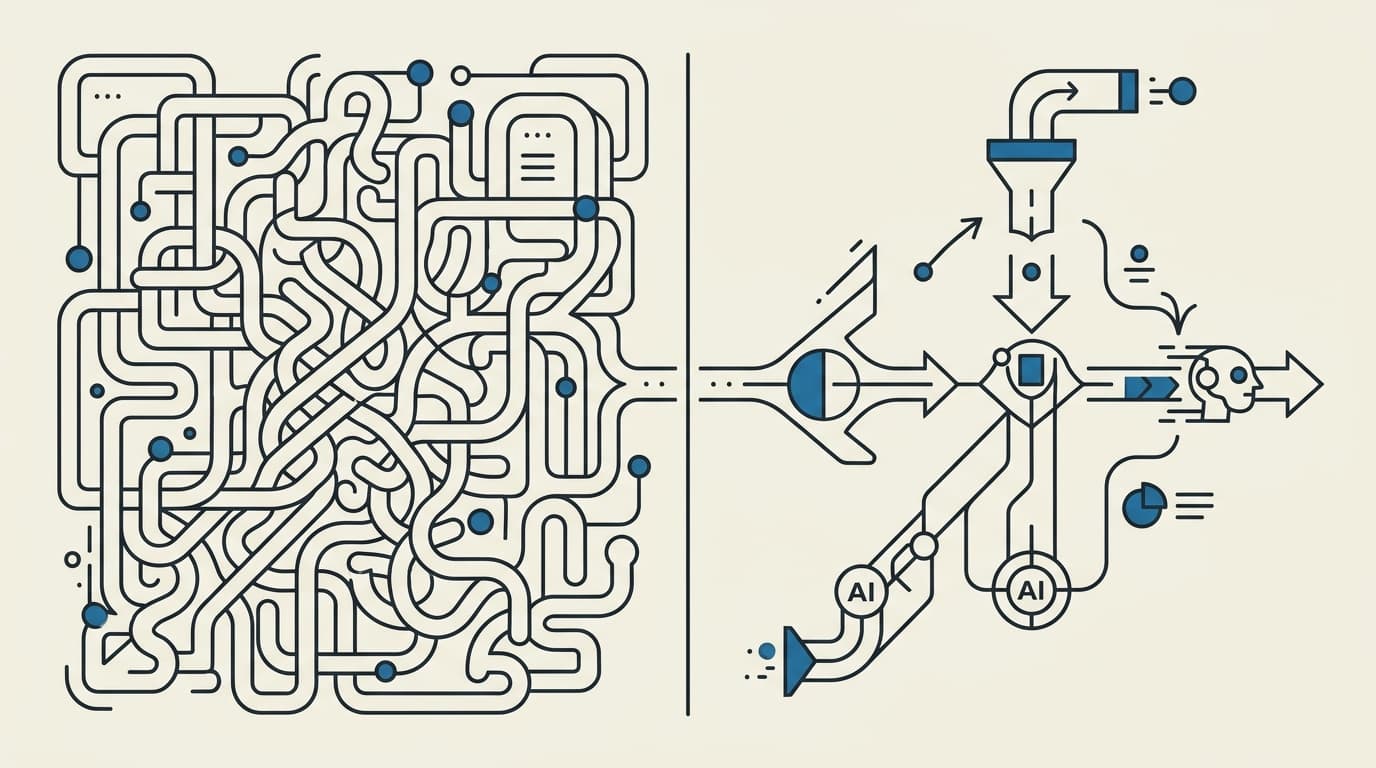
Every business owner I talk to has the same picture in their head when they hear "custom AI agent": a smart chatbot. Type a question, get a clever answer, done. That picture is why custom agent projects disappoint. The chat part is the easy ten percent. The other ninety is everything around it, and almost none of it looks like AI from the outside. Who can approve what. What happens when a tool fails halfway through a task. How the agent remembers your business instead of starting over every morning.
I build these systems for a living, and I also use them myself. An AI agent writes the build logs on this blog from my GitHub activity. My accounting automation reconciles entries across five accounts in two currencies. My open-source analytics tool, smolanalytics, sits on top of the same stack. So this is not a theory piece. It is what custom AI agent development actually involves, in the order I do it, with the parts that decide whether the thing lives or dies.
Start with the workflow, never with the model
The first conversation is never about which AI model to use. It is about the workflow: what starts the work, who touches it today, and where it stalls. A lead that arrives at 9pm and sits unanswered until lunch the next day is a workflow problem. Manual data entry between two systems that refuse to talk to each other is a workflow problem.
The model is a hire, not the org chart. You design the business process first, then decide which parts of it the agent owns.
This is the same discipline I put into my free workflow guidebook: which facts deserve a field, how work moves between people, and where the automation should stop and a human should decide. If you cannot describe the workflow on paper, no amount of model choice will save the project. I have sat in discovery calls where the client asked for "an AI for sales" and the actual answer turned out to be one notification and a form. Finding that out on day one is the cheapest thing that will ever happen on the project.
The parts that actually take the time
When people ask what the development work is, I give them this breakdown. It surprises them every time.
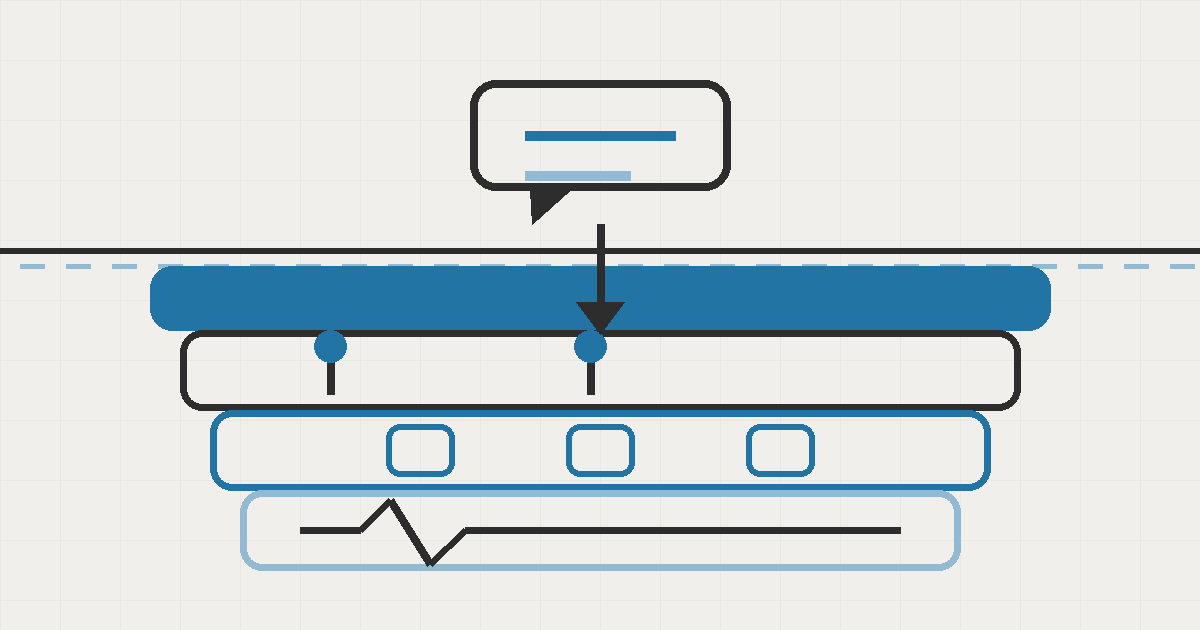
- Permissions and approvals. The agent will make mistakes, so the design has to make mistakes cheap. In my own assistant, Seepient, nothing dangerous happens without a human approval, and I wrote an entire approval system that survives a crash before the clever parts. The agent can draft, prepare, and stage; a person clicks yes on anything irreversible. Getting this wrong does not fail a demo. It fails a Tuesday afternoon three months in, when nobody is watching.
- Memory and context. An agent that forgets everything between sessions is a toy. But an agent that remembers too much becomes a liability, because stale context gets repeated back to you with confidence. Deciding what to persist (customer history, past decisions, files it created) and how to retrieve it is a design problem, not a feature you toggle on.
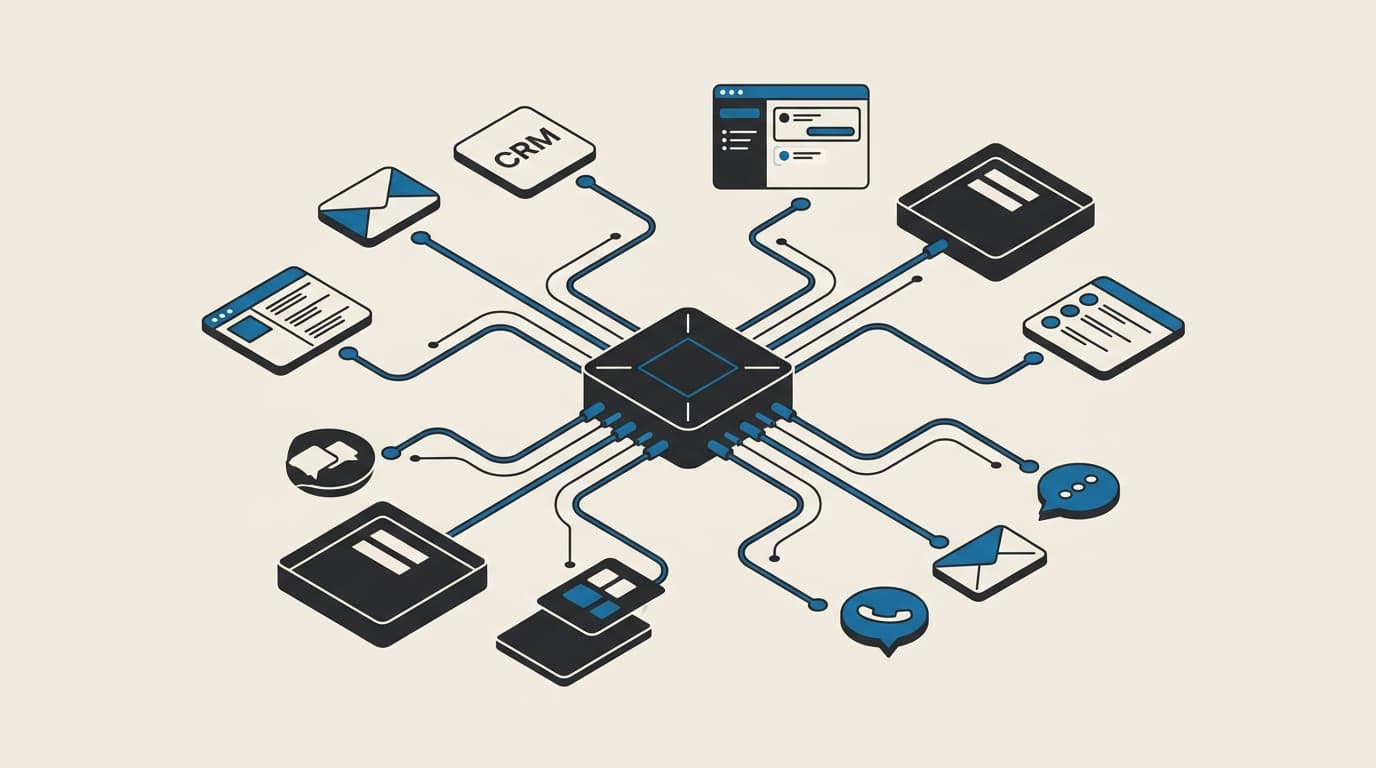
- Tool boundaries. The agent needs hands: read the calendar, search the docs, update the CRM. Each tool is a door into your business, and doors need rules. Which tools exist, what data each can touch, and what happens when a tool is unavailable. Skipping this is what turns a demo into an incident. In Seepient the rules live in one place and every entrance shares one brain, so a request that is blocked in the dashboard is blocked everywhere.
- Failure handling. Things break. The AI provider has an outage, a tool returns garbage, a task takes four minutes instead of four seconds. A production agent has a plan for each of these. Mine switches to a backup model automatically when a provider fails, and tells you before spending money on something the model cannot do.
- Monitoring and cost control. After launch, someone has to see what the agent did, what it cost, and where it went wrong. This is unglamorous and it is the difference between "we tried AI once" and an agent that earns its keep for years.
The model itself? Usually a day of setup. Everything above is weeks of careful decisions, and it is exactly the part off-the-shelf tools cannot do for you.
Where the hours actually go
If I am honest about a typical build, the split looks roughly like this:
| Phase | What happens | Rough share of the work |
|---|---|---|
| Mapping the workflow | Sit with the people who do the job today, write down every step and every exception | A fifth |
| Safety before features | Approvals, permissions, what the agent may never touch | A fifth |
| The build itself | Tools, memory, the actual conversation design | A third |
| Breaking it on purpose | Feed it the messy cases, the weird files, the Friday afternoon inputs | A tenth |
| Running it for real | Monitoring, cost tuning, the fixes nobody predicted | The rest |
That last row never really ends, and it is the row most projects skip entirely. An agent is closer to a new employee than a purchased piece of software: the first weeks on the job teach you both where the job description was wrong.
How the work actually proceeds
I work as a solo practitioner, which keeps the loop short. Week one, we map the workflow together and agree on what the agent may and may never do. Weeks two and three, I build the first version with approvals and failure handling from day one, not bolted on later. Then it goes in front of real work quickly, because a pilot on your actual queue teaches more in a week than a polished demo ever will. My full agent architecture approach is documented openly, the same structure I use for clients, published as build logs so you can judge how I think before we ever talk.
One thing I insist on: you keep the system. The workflow map, the rules, the running software. If we part ways, it runs without me, on whatever AI model you choose. An agent you cannot own is not an asset, it is a subscription with extra steps.
When you do not need a custom agent
I talk myself out of projects more often than people expect. If your need is "answer common customer questions from my FAQ," a pre-built tool does that this weekend. Custom development earns its cost when at least one of these is true:
- The agent has to act on real business systems, updating records, moving money, sending things to customers, not just chat.
- Your data is sensitive or local: an agent that must never send your documents to a random cloud, or must run inside your own network.
- The workflow is yours and weird: a process specific to how your business operates, where a generic template would spend more time bending than building.
There is a middle ground too. I run much of the plumbing for my own automations on self-hosted workflow tooling, and use custom-built agents for the judgment-heavy parts. The right answer is usually a mix, not a religion.
If you are weighing whether a custom agent is worth it for your business, that is exactly the right question to ask before spending anything. Book a call and we will map your workflow on the call, and if an off-the-shelf tool would serve you better, I will tell you so.